
This is an alert message!
This is an alert message!


A single Google link works right up until it does not.
A customer who taps a normal review card lands on your Google page whether or not they use Google. Plenty of people do not. Some live in Facebook, some check TripAdvisor before they book, some would rather follow your Instagram than write anything. Send all of them to Google and most tap away without doing a thing.
There is a second problem. Reviews are not the only thing worth collecting at the counter. A follow on Instagram or a like on Facebook is a customer you can reach again for free. A Google-only card throws that moment away every single time.
The RateMe card hands the choice to the customer. One tap opens a short branded page with your platforms on it, they pick the one they already use, and they are there in a second. You still push Google hard if that is your priority, you just stop losing everyone who is not a Google person.
Cards, stands, stickers and decals at the RateMe shop. Portal is free for life, no subscription.
Same tap, same 30 seconds. The difference is where the customer can go.
| RateMe.Club | Typical review card | |
|---|---|---|
| Sends to Google | Yes | Yes |
| Customer picks the platform | Yes, 30+ options | Google only |
| Collect social follows too | Yes | No |
| Change the destinations anytime | Yes, from the portal | Sometimes |
| Free management portal | Free for life | Varies |
| Australian-run and supported | Yes | Often overseas |
| Works on any phone, no app | Yes | Yes |
Set it up once in the portal, then it is just tap and go at the counter.
Card, stand, sticker or decal from the shop, from $1. Order the quantity you need.
Log in to the free portal and choose which review and social links appear when someone taps.
Customer taps or scans, picks their platform, and leaves a review or follows you in seconds.
Change destinations, add a platform or run a campaign from the portal. The cards keep working.
It earns its keep anywhere a happy customer is standing in front of you with a phone in their pocket. Cafes and restaurants at the till or on the table. Salons and barbers after a cut. Trades handing one over when the job is signed off. Hotels and short-stays at checkout. Retail counters. Clinics and physios after an appointment.
If your customers spread across Google, Facebook and TripAdvisor rather than sitting neatly on one, a card that only knows Google is leaving reviews on the table. This one does not.
RateMe.club is a free service that significantly boosts reviews and followers for businesses by using QR code and NFC (Near Field Communication) technology. Here's how it works and the key benefits:
RateMe.club provides businesses with NFC-enabled cards, keychains, printing artwork or decals that customers can tap or scan with their smartphones. This instantly opens the business's Google review page, making it incredibly easy for customers to leave feedback. All products have free embedded NFC chips and optional QR codes.
 100% Australian Based: Unlike most of our competitors, our support, development & hosting are all Sydney based
Using
 and
and

RateMe.club offers a unique AI-powered assessment feature that analyzes your business based on various criteria and provides:
RateMe.club provides you with everything you need to lift your social media presence
Smart placement of your QR, NFC card, or decal is the single biggest driver of scan volume. Put it where customers already pause and where it is effortless to scan.
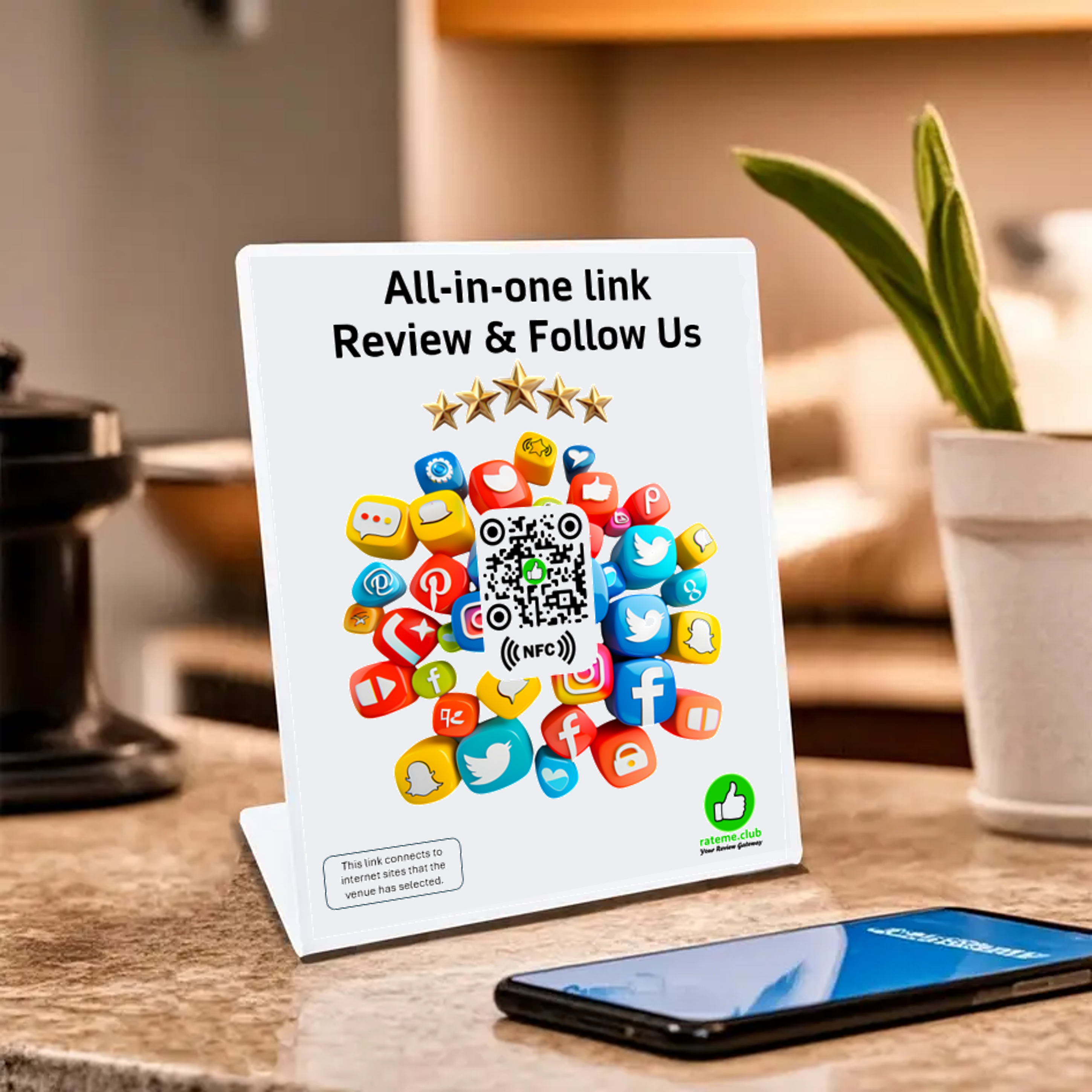
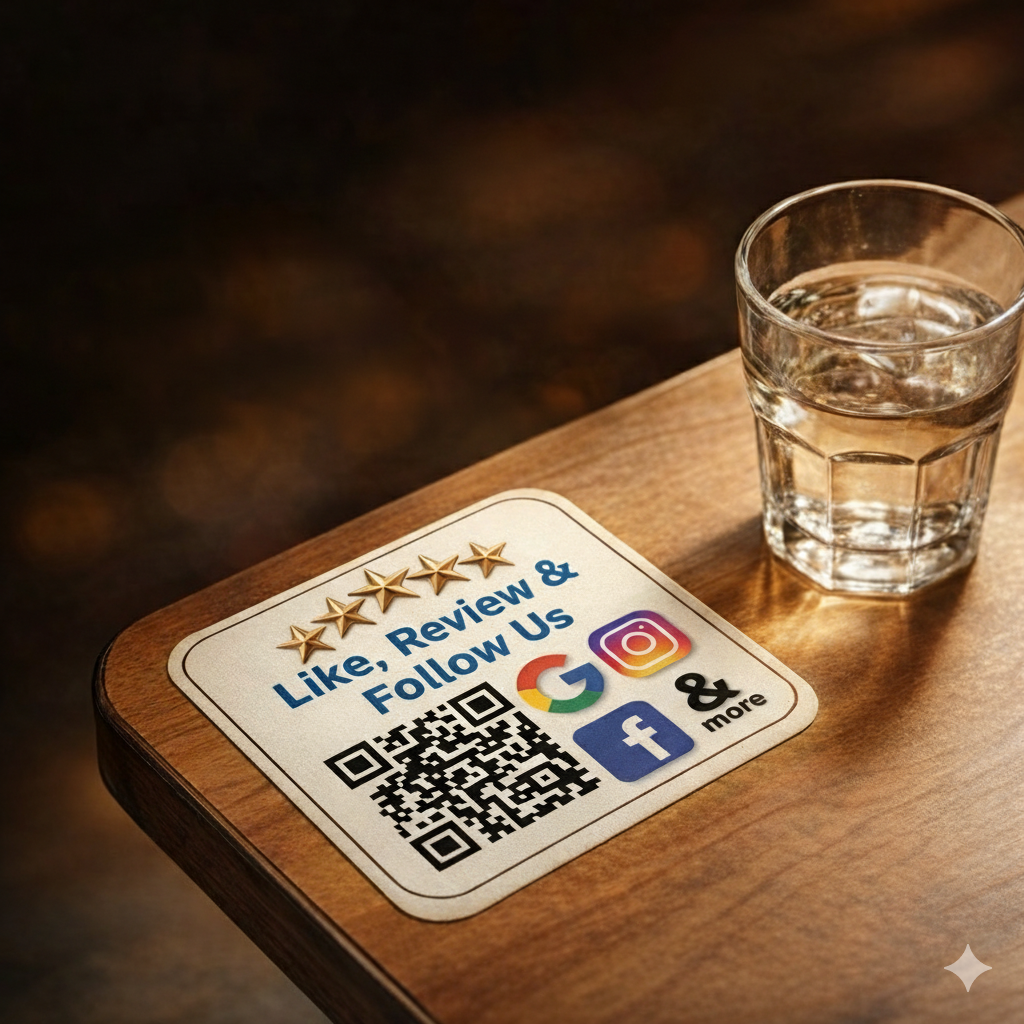
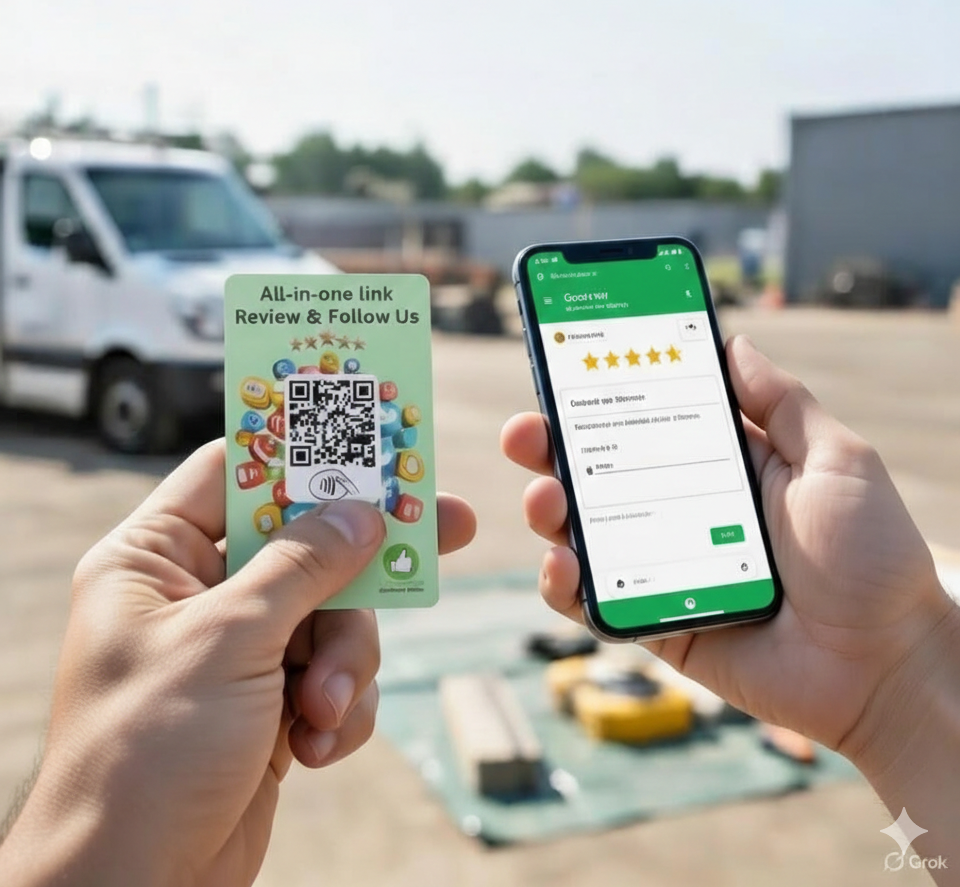
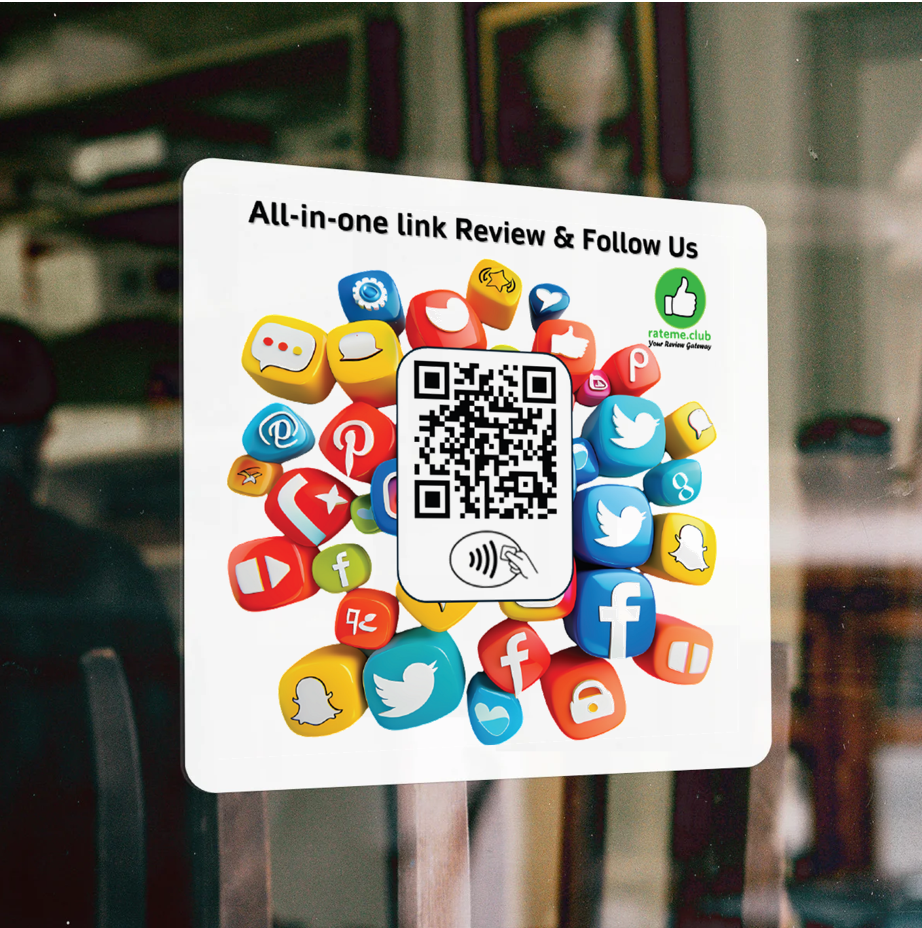
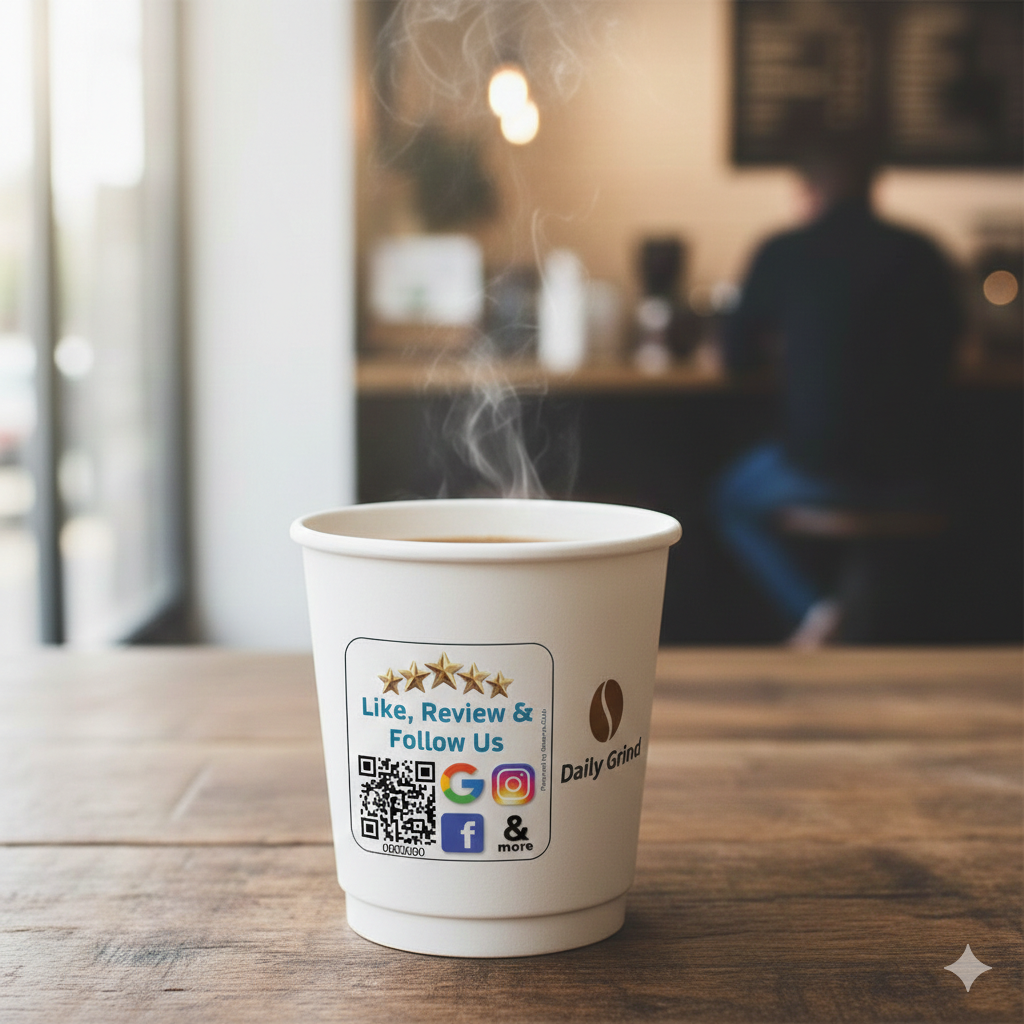
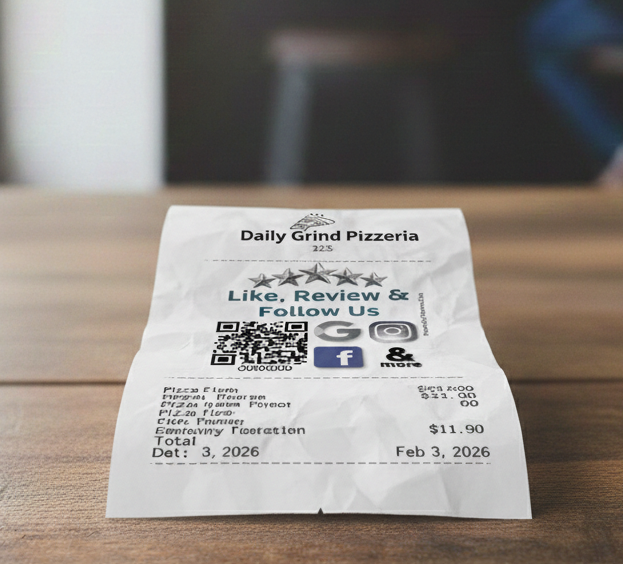
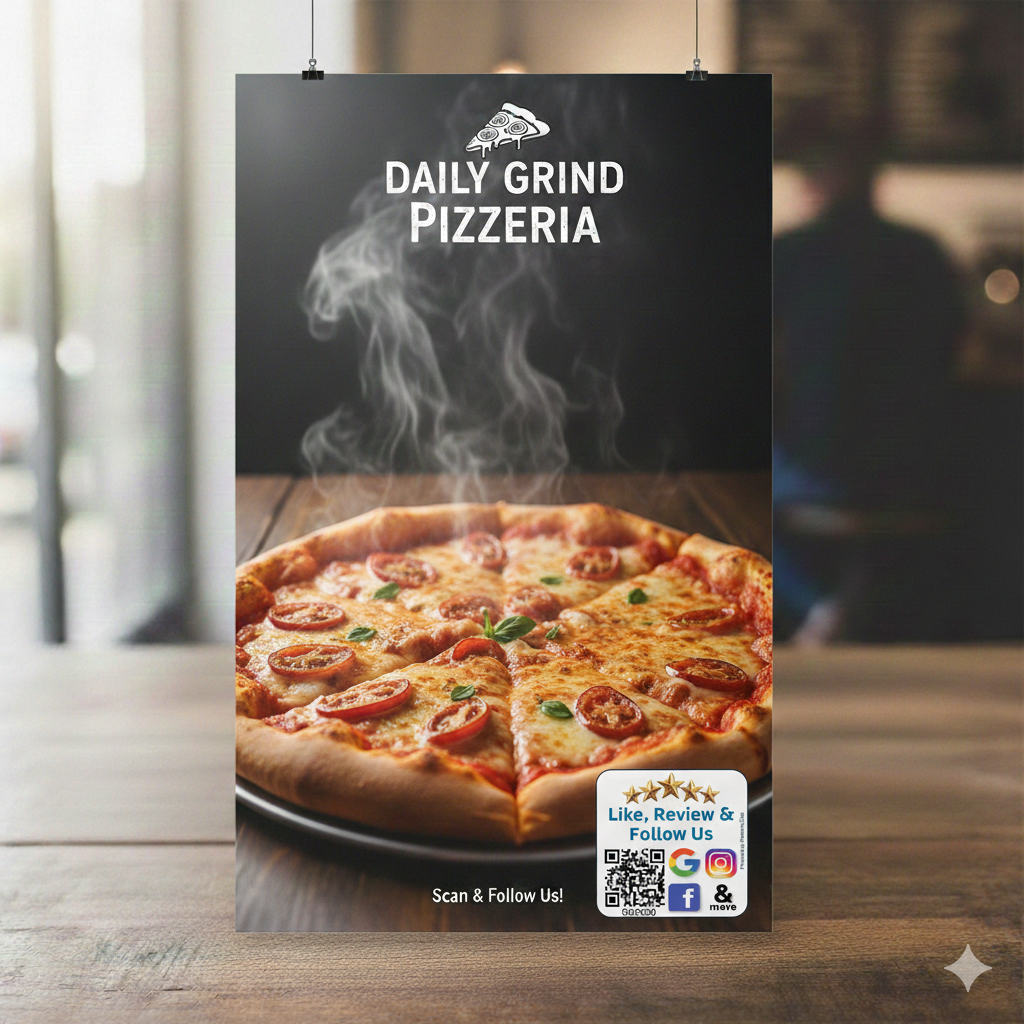
Keep codes at eye level or arm's reach, on flat, matte surfaces with good lighting and a very short instruction like "Scan to review us". Avoid cramped or awkward spots where people must lean over staff or other guests; such friction can cut scan rates dramatically even when the code is visible.
The RateMe.club portal at rateme.club is your command center for managing all aspects of your review collection system. It's completely free to use with no subscription required.
Best of all: It's completely free with no subscription fees. You only pay for the physical NFC products.
RateMe.club connects your customers to the review platforms that matter most for your business. Our NFC technology works with 30+ major review sites and social media platforms.
Our dynamic multi-review QR codes and NFC tags let customers choose where to leave feedback or follow you - one scan, multiple destinations for maximum engagement.




















UV-DTF (Direct to Film) decals are vibrant, durable decals that can be applied to smooth, hard surfaces including plexiglass, glass, metal, ceramic, plastic, sealed wood, and acrylic. The adhesive is very strong, so careful placement is crucial - once applied, the decal cannot be repositioned.
Important: Watch the video instructions before you start.
⚠️ Special Note: If the decal has an NFC tag, do not apply it to metallic surfaces as this will interfere with NFC functionality.
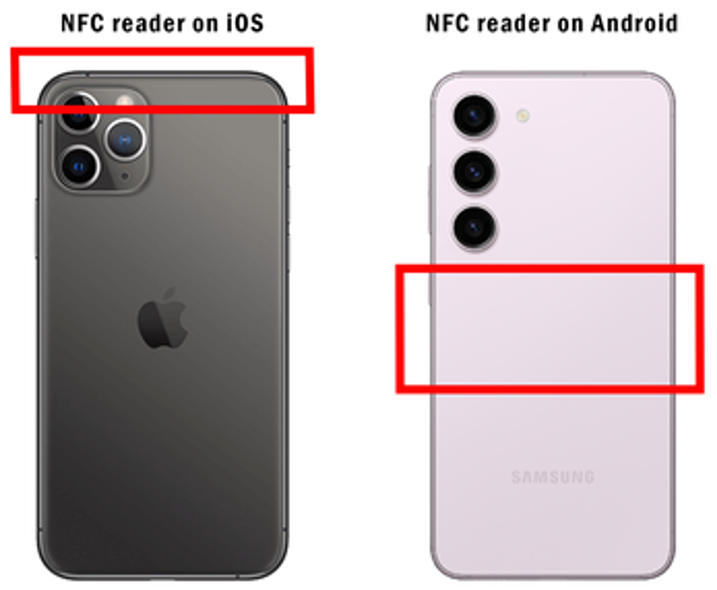
Different smartphones have their NFC readers positioned in different locations.
The NFC chip in all RateMe.club products is positioned in the center for:
Nearly all RateMe.club products include QR codes as backup. Simply open camera and point at the QR code - works on all modern smartphones.
No. Tap works on most phones made since about 2018, and every card has a QR code as backup for older phones or anyone with NFC switched off. Nothing to download either way.
No. You buy the card once from the shop. The portal that manages where it points is free for life, no monthly fee.
Yes. Set Google as the only destination if that is what you want, and the card behaves like a standard Google review card. The difference is you can add platforms whenever you decide to, without buying new cards.
Google, Facebook, TripAdvisor, Instagram, WhatsApp and more than 30 others, plus your own website or booking page. You choose which ones show up.
They start at $1 and go up depending on the format and quantity. The full range, cards, stands, stickers and UV-DTF decals, is on the RateMe shop.
Yes. RateMe.Club is run out of Sydney, so shipping and support are local rather than routed through an overseas warehouse.
Your star rating decides who gets rung, usually before anyone visits a website. Reviews also feed local ranking directly. Whitespark's 2026 local search ranking factors study puts review signals at about 20% of local pack weight, up from 16% in 2023, which makes it the fastest growing factor in the local algorithm.
Ask once, ask everyone, and let them do it in their own time. Google now prohibits pressuring customers to review while they are still on your premises, so the polite approach is also the compliant one. Hand over a card or leave a tag on the invoice and let them decide later.
One sentence and something they can scan. "If you have a minute, we would appreciate your honest feedback online" covers it. Do not name a platform, suggest a rating or hint at what to write. The card does the link half, so the sentence is the only thing you need to remember.
They delete the searching. Without a code, someone has to open Maps, find you, pick the right listing and scroll to the review button, and most people give up somewhere in there. Google's own help documentation lists QR codes in physical locations and printed review links on receipts as legitimate ways to share your link.
Yes, and tapping is smoother than scanning. It has to be the customer's own phone though. Reviews left on a business tablet or a shared device are out of bounds now and tend to get filtered anyway, since they all arrive from one device and one IP address. Every card carries NFC and a printed QR, because NFC is switched off on more phones than you would expect.
The review itself usually appears within a few hours, and the trust effect is immediate. Ranking movement takes longer, so think a couple of months of steady flow before you can separate it from normal fluctuation. Twenty reviews over three months does more for you than twenty in a week, which mostly looks like manipulation to Google's filters.
Yes. Google's local ranking guidance names prominence alongside relevance and distance, and review count and score feed prominence directly. The part people miss is that recency counts, which is how a dormant profile with 300 old reviews loses to an active one with 80.
At the end of the job when they are happiest, with the reviewing happening after they have gone. The old advice was to catch them at the counter, and that is now the thing Google prohibits. Make the ask at the good moment and give them something to take with them.
There is no universal number, and anyone quoting you one is guessing. What matters is what the three businesses above you in your suburb have. If the top sparkie near you sits on 140 and you are on 12, that is the gap to close, and it changes from suburb to suburb.
Usually because they ask every customer and you ask when you remember. Occasionally they are bought, which is worth checking: a cluster of reviews in one week, reviewers with a single review each, wording that does not sound like a customer. Google removed more than 292 million policy-breaching reviews in a single year, so that catches up with them eventually.
Yes, through Google's Places API or one of the widget services built on it. Two limits worth knowing first: the API returns only a handful of reviews per place rather than your full history, and Google's terms restrict how you cache and display them. We handle the collection side rather than display, so pair us with a widget tool if putting reviews on your site matters to you.
Sign in to the Google account that manages your profile, search your own business name, and look for "Ask for reviews" or "Get more reviews" in the panel that appears. It hands you a short link in the g.page/r/.../review format. Test it on a phone before you print anything, since it should land on the star rating screen rather than your general listing.
Reply within a day, keep it to a few sentences, own whatever is true and move the argument offline. You are writing for the next hundred people who read it rather than for the reviewer. Do not offer a refund or a discount to have the review changed or removed, since incentivising a revision breaches the policy on its own.
They work when they remove a step and fail when they become wallpaper. Handed over at the end of a job with a sentence attached, they get used. Stuck on a wall saying "leave us 5 stars", they get ignored, and that wording is a policy problem now as well.
Verify the profile, then ask every customer from day one in the same words, and go back through your recent jobs and ask those people too. What you cannot do is have family and staff write them. Insider reviews are prohibited and they are the easiest pattern for Google to spot, because of shared devices, networks and accounts.
Work through the boring list before blaming the algorithm: verified profile, a specific primary category rather than a vague parent, correct address or service area, and identical name, address and phone everywhere they appear online. Distance is a real factor too. A Chatswood search returns Chatswood businesses, and reviews lift you inside your radius rather than extending it.
Cut steps, and stop assuming they use Google. Half the friction in review collection is sending someone to a platform they would have to create an account on first. One tap opens a page with the platforms you have turned on, so they pick the one they are already signed into and start typing.
It is the difference between being considered and being skipped. Most people treat 4.0 as the cutoff, so a 3.6 average filters you out before you get a chance to explain yourself. At the other end, a flawless 5.0 on a handful of reviews reads as suspicious, so somewhere around 4.3 to 4.8 with a visible spread of opinions is the sweet spot.
Yes, and a post-job text is the best performing version. One rule matters: it has to fire for every customer. Add a condition like "only send if the survey score was 8 or higher" and you have built review gating, which is prohibited and actively enforced. We are the card and link layer, so run a texting tool alongside if you want the messaging automated.
They are the one advantage a small operator can build faster than a franchise. You cannot outspend a chain on ads, but you can have more recent and more obviously real reviews in your suburb, and that is what the map pack rewards. It compounds too, since better ranking brings more customers and more customers bring more reviews.
Text beats email, because it lands on the device they would review from. Email works if that is already how you talk to customers. The in-person ask has changed: you can mention it, but you cannot lean on someone to do it there and then, and you cannot hand them your own phone. A verbal ask plus a card to take away, with a text later that day, is the strongest combination.
Nobody can tell you honestly, and the confident percentages in vendor blog posts are mostly invented. Unprompted, it is a tiny fraction of customers. With a clear ask and a link that removes the searching it improves a great deal, but it swings by trade and price point. A wedding photographer and a bottle shop are not in the same game, so measure your own rate rather than trusting a benchmark.
Use the word honest and mean it. Ask everyone, including the job that went sideways, and do not hint at a rating or supply a suggested sentence. Scripted content is prohibited and it reads as fake to customers anyway, since forty reviews using the same three phrases fools nobody.
Increasingly, yes. Google reported blocking or removing more than 292 million policy-breaching reviews in a single year, and the 2026 enforcement wave added device, network and location signals to the detection. Businesses that bought reviews are losing legitimate ones in the same sweeps, often with no warning. In Australia the ACCC also treats fake testimonials as misleading conduct, so it is not only a Google problem.
Once per job, with one reminder at most. For a repeat customer, once a year is plenty, since Google keeps one review per person per business. What you should never do is set a team target like ten reviews this week. Quotas are explicitly prohibited now, and the behaviour they produce is exactly what the filters look for.
Your business name, one line saying what tapping or scanning does, the code with clear space around it, and nothing else. Keep the code at least 2cm square and avoid gloss stock where you can, since reflections beat phone cameras. Leave off star graphics, "leave us 5 stars" and any request to mention a staff member by name, all of which breach the policy.
The unglamorous work: exact primary category, every service listed, real photos added regularly, accurate hours including public holidays, and consistent details across your site and directories. Then reviews, steadily, forever. Then the Q&A section on your profile, which almost nobody fills in. None of it is clever, and most businesses stop doing it after the first month.
It can. Encode the g.page review link and the scan opens the review form. The catch is permanence, because that code now points at Google and only Google forever, so deciding to build up Facebook or a booking site later means reprinting everything. Pointing it at a page you control keeps the printed card fixed while the destination stays editable, which is what the portal is for.
Volume plus habit. A cafe serving 200 people a day only needs a small conversion rate to build a big number over three years. The ones worth studying are the high review counts on low transaction volume, because that is a deliberate system where every job ends the same way. Some of those numbers are bought, though, so check the dates and the reviewer histories before feeling bad about yours.
Indefinitely, in principle. Reviews do not expire and old ones keep counting toward your total and your average. They disappear for three reasons: the reviewer deletes their own, Google removes one for a policy breach, or a profile merge or suspension takes a batch with it. Google often will not tell you, so check the reviews management tool in your dashboard if your count drops.
The market is barbell shaped, which makes this harder than it should be. At one end, cheap tags with no software behind them, so you get a bit of plastic and a fixed link. At the other, reputation platforms at a few hundred a month built for multi-site operators. A single suburb business wants a physical prompt, a destination it can change, and a scan count, which is the gap we were built for. Whatever you pick, check that you can change the destination later and that it works without an app on the customer's phone.
Answer all of them, keep it short, sign it with a name and never paste the same line twice. "Thanks Sarah, glad the guys sorted the leak quickly" takes ten seconds and shows a reader you are paying attention. Keep offers and discount codes out of your replies, since responses are not advertising space under Google's policy.
No. Google gives you the review link for free and you can generate a QR code from it at no cost. What you pay for is something physical to hand people and the ability to change where it points without reprinting. Cards start at $1 in the RateMe shop and the portal stays free, because the monthly subscription is what puts most small operators off tools like this.
Three things decide it, by Google's own account: relevance, distance and prominence. You cannot move the shop, so the work sits in the other two. Most businesses lose on relevance without realising, because the primary category is generic and half their services are not listed.
Only what they show publicly, which is a Google display name and photo. No email, no phone number, no way to match a review to an invoice. Plenty of people review under a first name and initial, or a name that is not the one on your booking. That is deliberate on Google's part, and it is also why you cannot chase the person who left the two star or reward the one who left the five, which you must not do anyway.
It decides who gets shortlisted, mostly before anyone reads a word. In a map pack of three, a 4.6 with 90 reviews beats a 4.9 with 6, because volume makes the rating believable. Recency does similar work, since a best review from 2022 suggests you might have changed hands. After that, the text of your most recent few reviews does the closing.
Photos make a review more convincing and add images to your profile without you shooting them. Be careful how you get them, since asking a customer to include specific content is prohibited now. A general "photos are always welcome" sits on safer ground than "post a photo of the new deck". Post your own images regularly so the gallery is not empty either way.
For a local business, Google Maps is the shopfront and your rating is the window display. Someone looking for a plumber in your suburb sees three businesses with a star rating and a review count each, and picks from that before visiting a single website. A listing that looks abandoned takes you out of the running for work you would have won easily.
Four numbers, checked monthly: new reviews that month, your average rating, scans on your cards, and where you rank for the two or three searches that actually bring you work. Scans are the diagnostic. Plenty of scans and few reviews means the destination or the platform mix is wrong. Few scans means the ask or the placement is wrong, and that is the cheaper problem to fix.
Not through Google, which tells you nothing about who opened your review form. The link has to pass through something you control first. The portal counts scans and taps per tag, so you can see the bar decal getting used while the reception card sits idle, then move them. Without that number you are guessing at which placement works.
Cards from $1, free portal, set up in minutes.
Browse the RateMe shop